The initial state of purchase is the RFQ, that is, request for quotation. Which will help the company to know the price and terms before purchasing.
In order to create an RFQ you just need to click the new button present at the top left corner.
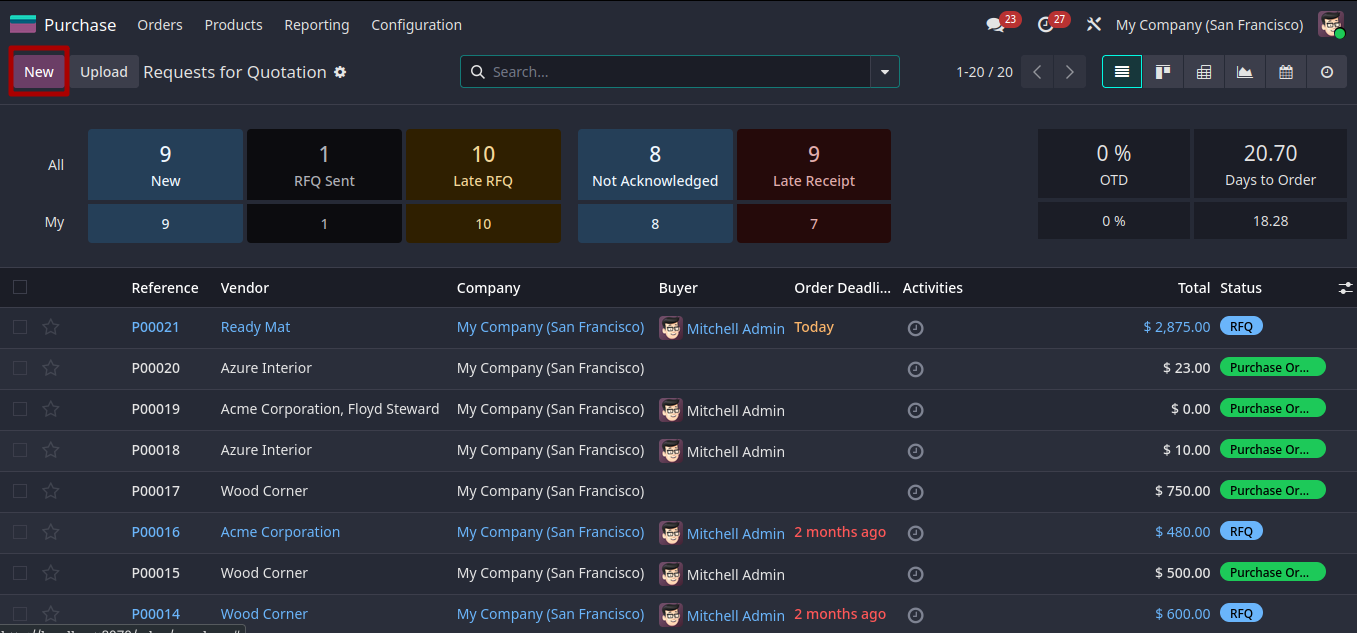
Once you click the new button you will navigate towards the form view
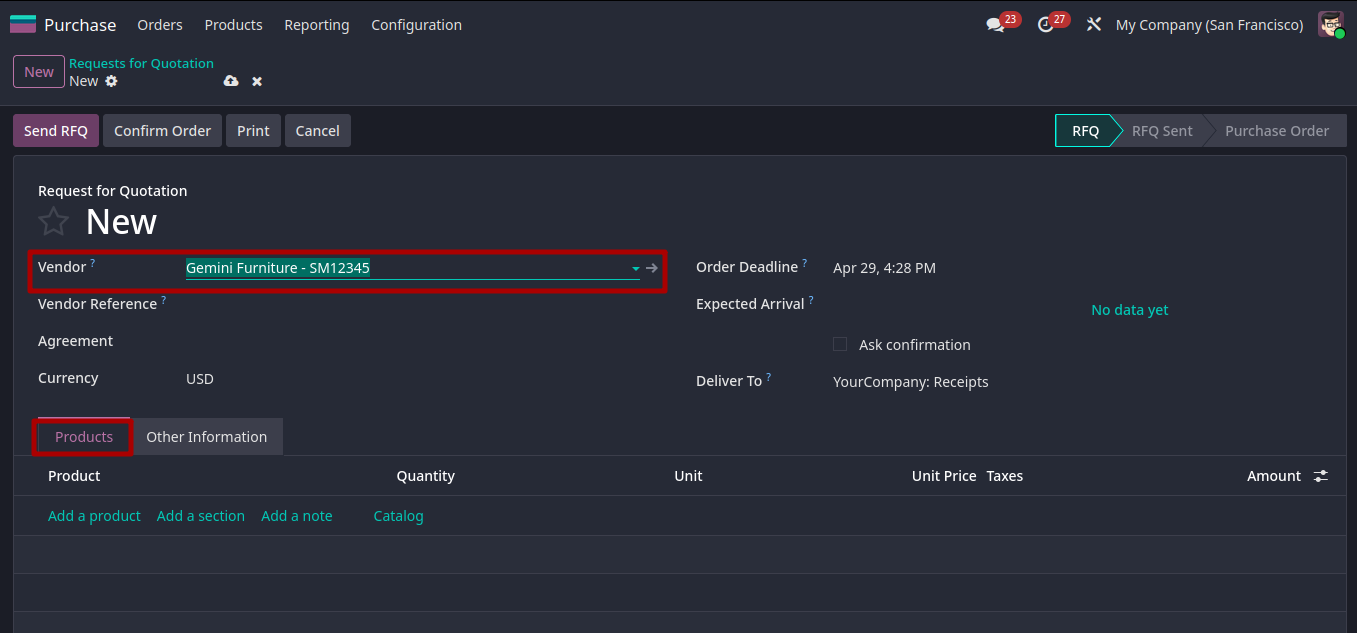
where you can add supplier name and goods you prefer to buy.
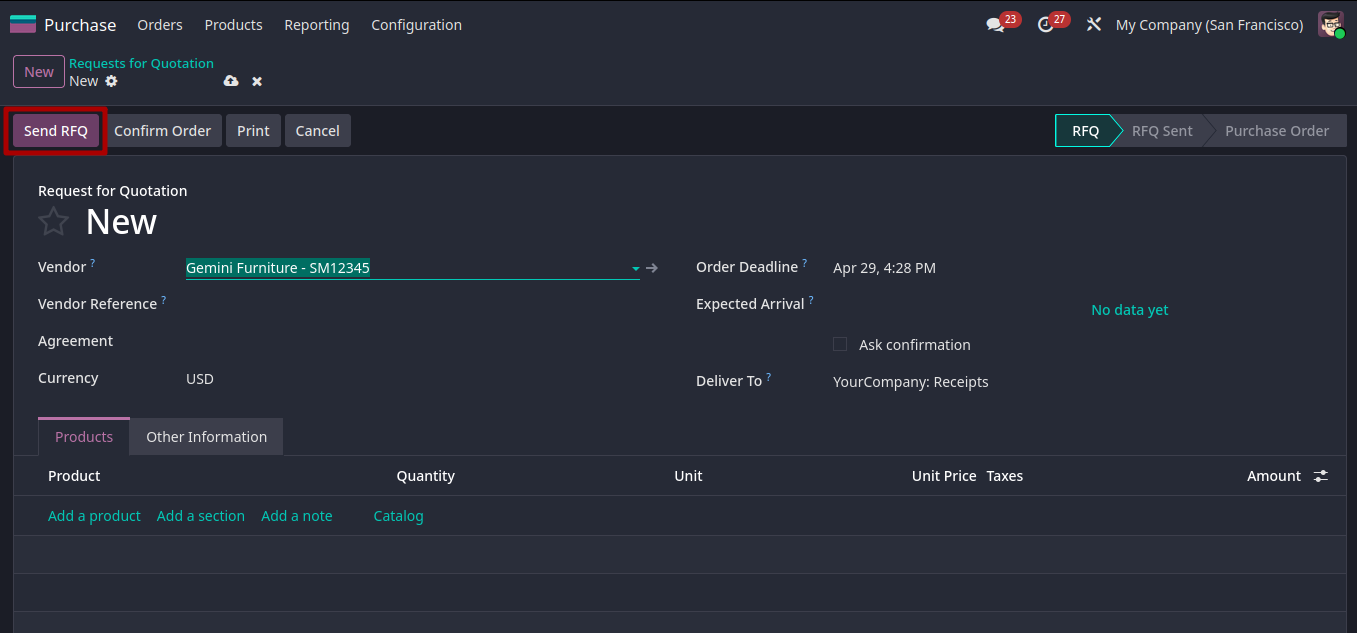
After selecting the vendor, you can click the send RFQ button that sends the RFQ to suppliers by email. Once the RFQ is sent the state will change to ‘RFQ sent’.
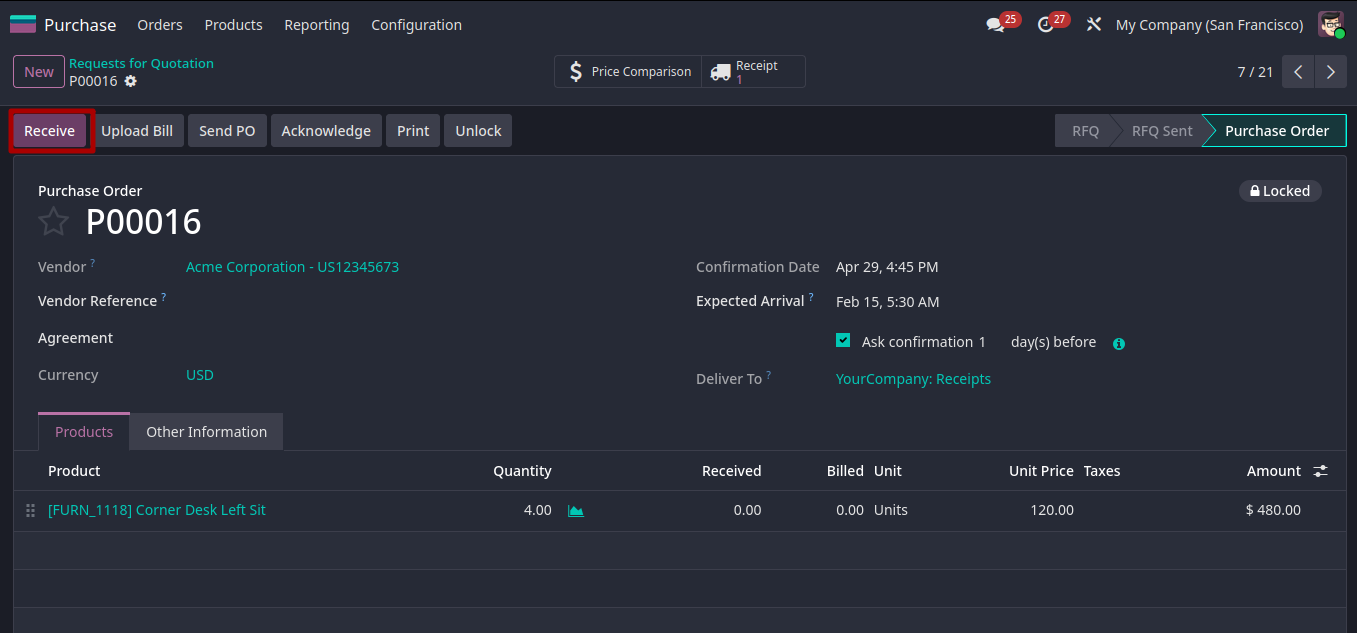
In order to make the RFQ to purchase order you have to confirm order by clicking the confirm order button. The confirm order will confirm your
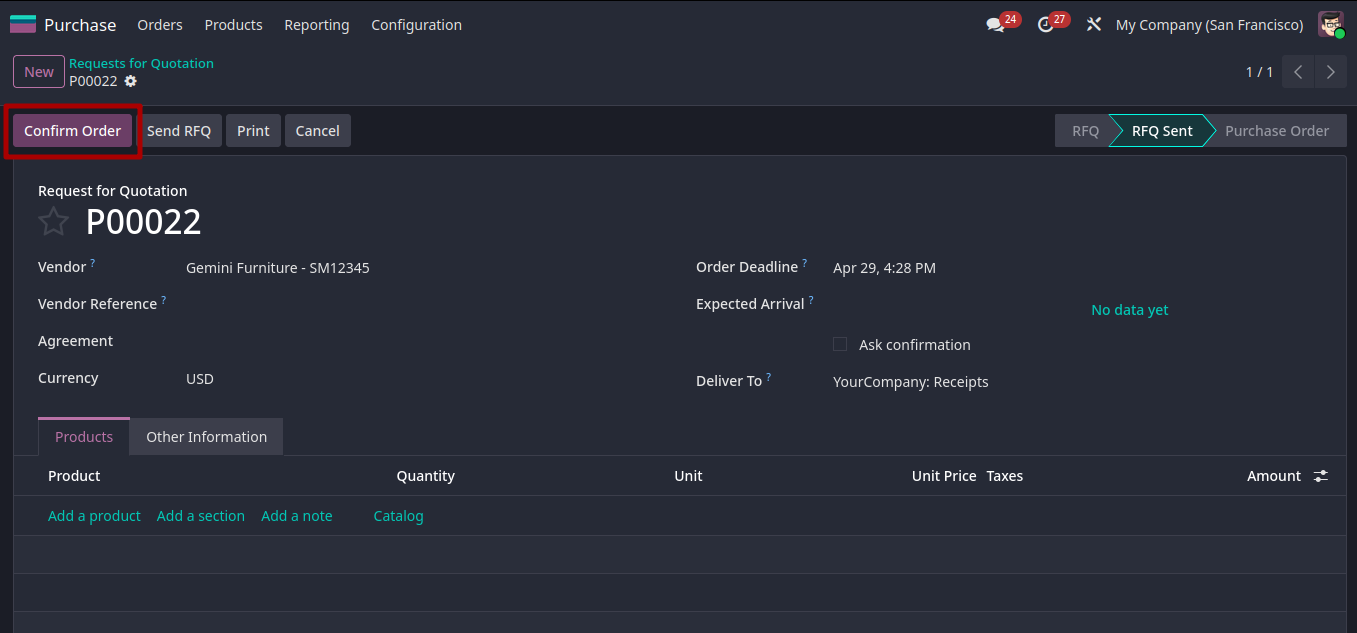
purchase order and changes the state to ‘purchase order’
After you confirm an order you can ‘upload Bill’, ‘print’, ‘send PO’ and ‘Acknowledge’.
You can confirm the goods received by the receive button.
Purchase Module In Odoo 19 Enterprise