The To Do List is provided by Odoo so as to manage and confirm the tasks in a proper and organized manner so that one can never forget the tasks that are assigned to them and to be completed within a ...
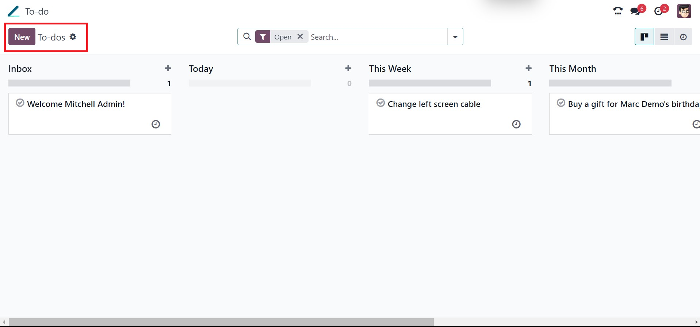
The To Do List is provided by Odoo so as to manage and confirm the tasks in a proper and organized manner so that one can never forget the tasks that are assigned to them and to be completed within a timespan. To create a new To-do list, click on “New”.
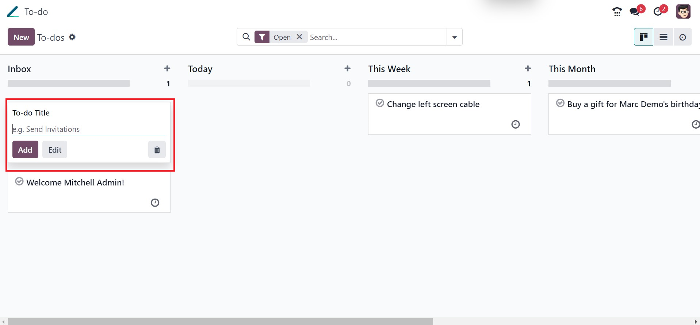
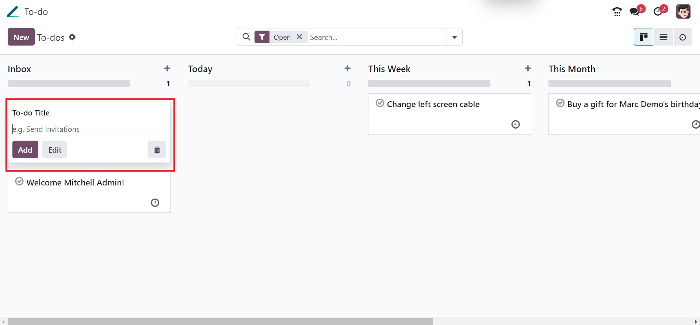
This will take the user to a section where the heading for the To-do can be declared. Once clicked on “Add”, it is taken to a new page where the type of scenario or case of the to-do can be declared
from.
This section will have values, Bug, Experiment, External, Internal, New feature and Usability. The user can select what type of task they are to be handled here and can select relative options so that the nature of the task can be understood quickly.
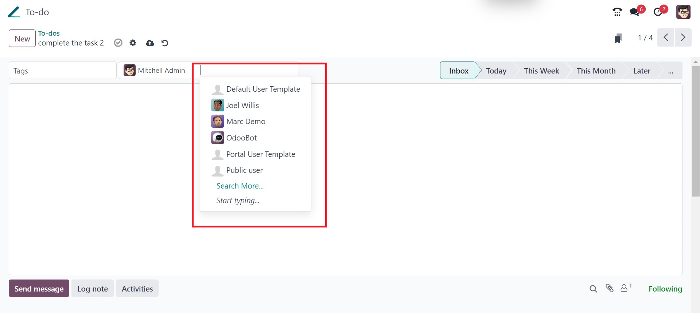
There exist another tab for the user to add more people to the to-do list if the task is a group task.
This will give notifications to other members in this process.
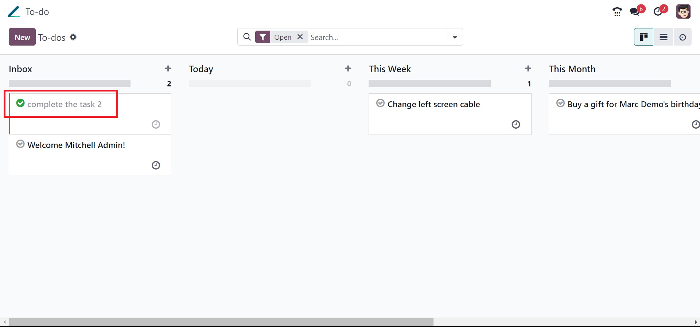
If a task is found to be completed, the user can check on the “tick” button to indicate that the task is
completed successfully.
One can also select an option “Scheduled an activity” to schedule a task.
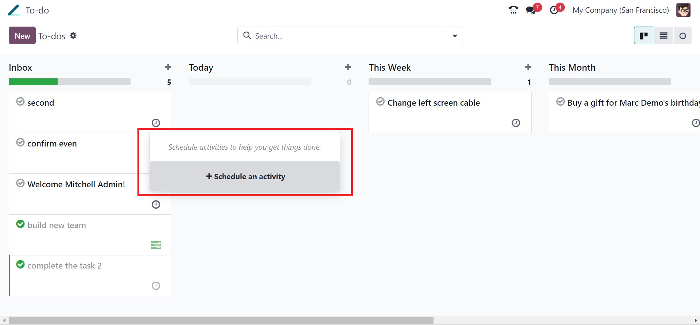
Click on this add button, and you will be directed to a page where you can add schedule for the
existing or new to do list.
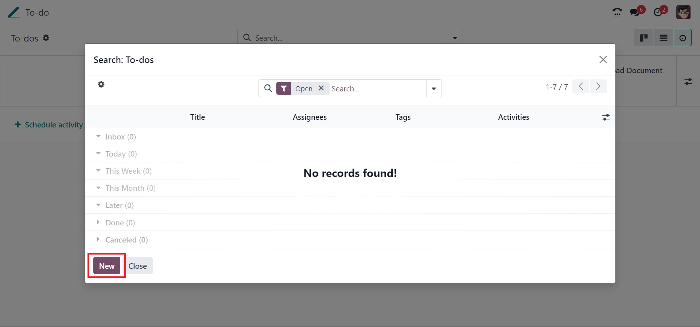
While clicking on the new button, you will be directed to a Page in which the task title as well as the
members of the team can be included. After all, the task details are given, you can save and close it
to make a new task.
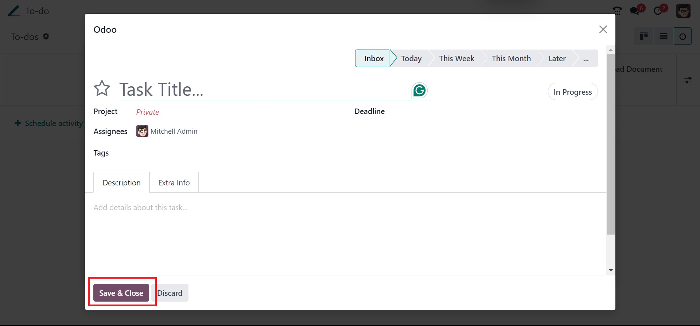
After the new task is assigned and saved successfully, you will be redirected to a page where you can schedule the activity. This page will contain and summary section where you can provide a short note about. The disgust proposal and then can set the due date in which the task is needed to be completed.
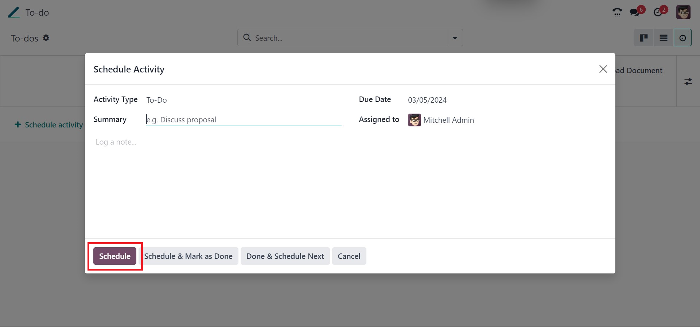
While pressing the schedule button, you’ll be directed back to the to do list and the newly created
list will be available.
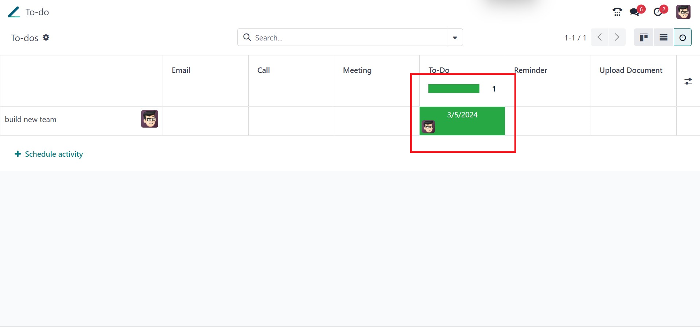
After the task is completed, the person or the user can “check” the button to submit that the task is
completed. On this tab to becomes really handy for the users to manage and efficiently plan in a
team and to yield more optimized result.
جاهز لرؤية هذا في أعمالك؟
احجز عرضاً توضيحياً مجانياً وسنُريك بالضبط كيف تُشغّله AGM على Odoo.