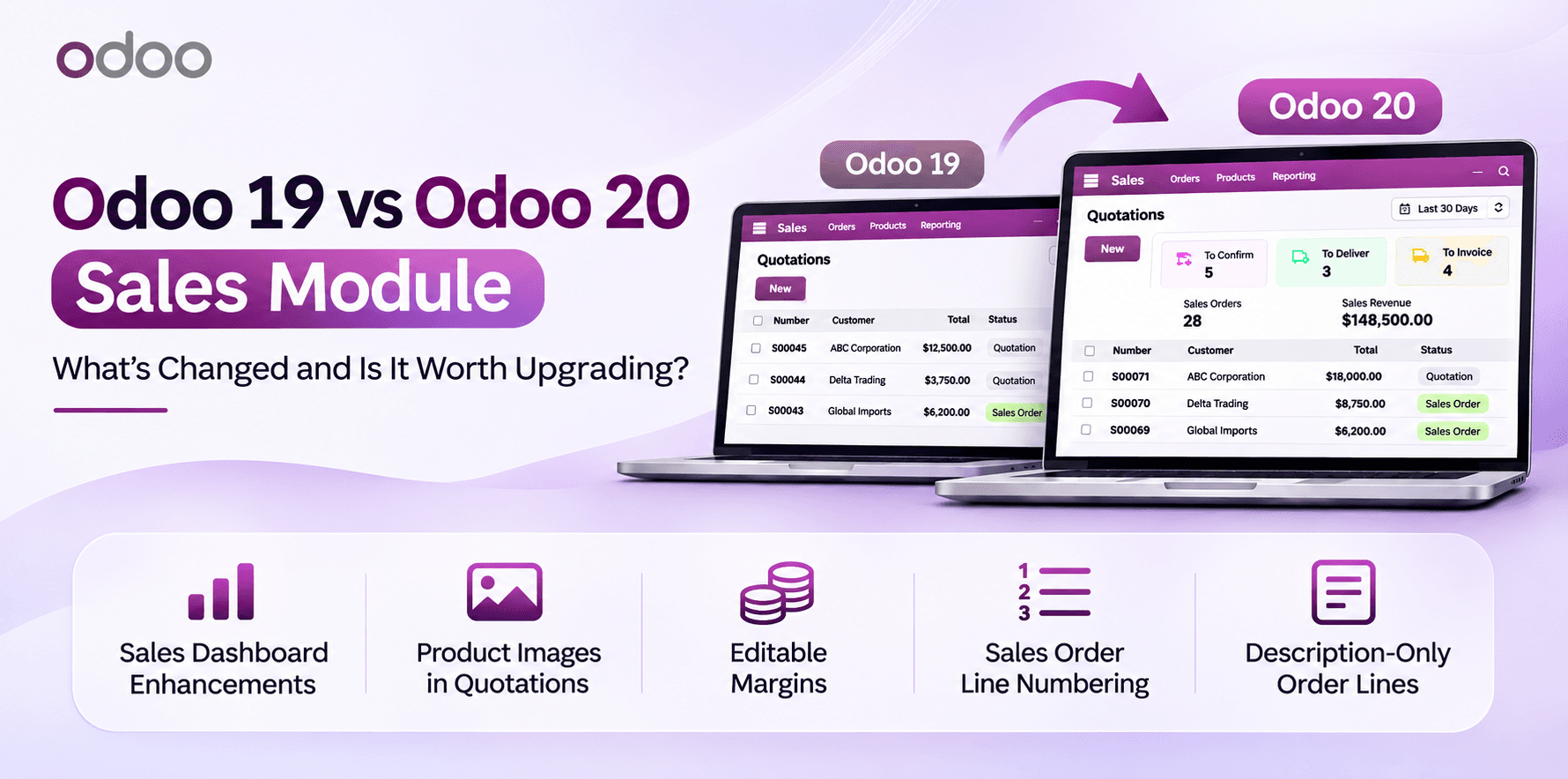
Every new Odoo release raises the same question for finance teams: should we upgrade now, or wait? Accounting is the module businesses are most careful about. It holds the ledgers, payments, tax recor...
Every new Odoo release raises the same question for finance teams: should we upgrade now, or wait? Accounting is the module businesses are most careful about. It holds the ledgers, payments, tax records and bank reconciliations, so an upgrade only makes sense if it really makes daily work easier.
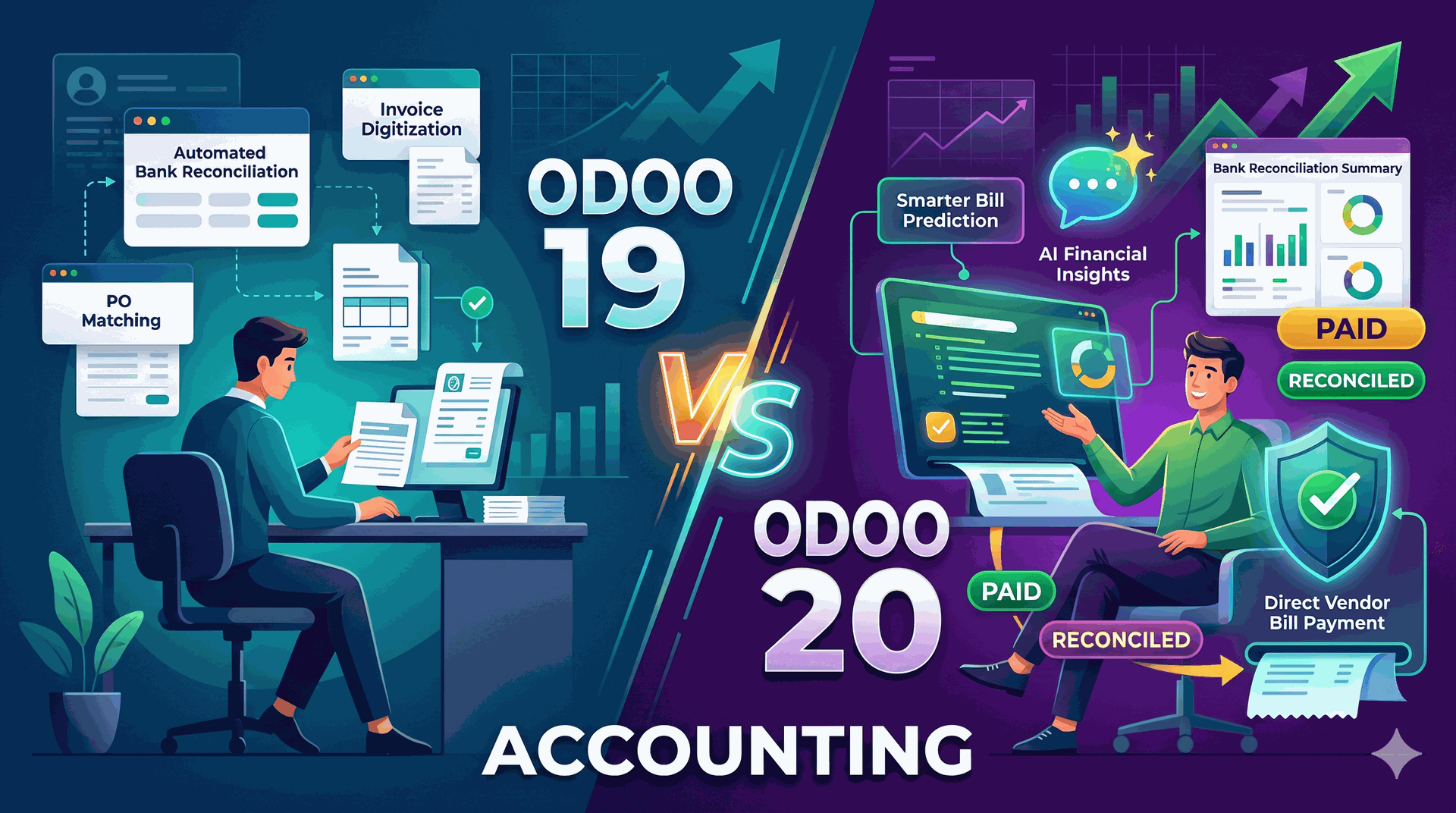
Odoo 19 already gives accountants a strong set of tools, including automated bank reconciliation, invoice digitization and purchase order matching. Odoo 20 builds on that foundation rather than replacing it. The focus is on cutting repetitive data entry, catching errors earlier and giving clearer visibility into payments and bank transactions.
Key improvements in Odoo 20 include smarter bill line prediction, a new bank reconciliation summary report, clearer payment statuses, improved purchase order matching, stronger duplicate detection, simplified invoice reminders, direct vendor bill payments and an AI assistant for financial insights.
In this blog, we compare Odoo 19 and Odoo 20 Accounting side by side. We look at what has changed, how each improvement helps in day-to-day work, and whether upgrading is worth it for your business
Odoo 19 vs Odoo 20: Key Accounting Changes
1. Bill Line Prediction
In Odoo 19, vendor bills can be created manually or processed through invoice digitization, with users reviewing and entering the required bill-line information. Odoo 20 improves this process by introducing intelligent bill line prediction. When encoding a vendor bill manually or through import, Odoo 20 suggests products, accounts, taxes, analytic distributions, and vehicles based on previous bill history and line descriptions. This reduces repetitive data entry, speeds up vendor bill processing, and helps accountants maintain consistency in accounting records.
2. Improved Bank Reconciliation
Odoo 19 already provides automated bank reconciliation, improved matching models, and keyboard shortcuts to help accountants match bank transactions with invoices, bills, and payments. Odoo 20 builds on these existing capabilities by introducing a Bank Reconciliation Summary report, allowing users to review reconciled and unreconciled transactions for a selected period. It also introduces improvements such as analytic distributions for reconciliation write-offs and more flexible manual reconciliation. These changes provide better financial visibility, improve reconciliation control, and make it easier to review bank transactions.
3. Improved Payment Management
In Odoo 19, payment statuses include "In Process" and "Paid" to indicate the progress of payments. Odoo 20 improves this workflow by renaming these statuses to "Paid" and "Reconciled", making it easier to understand whether a payment has been registered or matched with a bank transaction. It also introduces improvements to the payment wizard, which detects pending payments, automatically deducts them from the amount due, and displays outstanding payments in chronological order. These changes help businesses track payments more clearly, reduce the risk of duplicate payments, and improve payment management.
4. Improved Vendor Bill and Purchase Order Matching
In Odoo 19, vendor bills can be matched with purchase orders using the Auto-Complete option, helping users populate bill details from existing purchase orders. Odoo 20 improves this process by checking for matching bill lines before creating new ones. It also provides a clearer summary of matched items, displays warnings when bill prices or quantities differ from the purchase order, and allows users to unlink a vendor bill from its purchase order when necessary. These improvements help businesses identify discrepancies, reduce matching errors, and maintain better accuracy when processing vendor bills.
5. AI-Powered Financial Insights
In Odoo 19, users primarily rely on accounting reports and dashboards to review financial information, analyse business performance, and monitor outstanding payments. Odoo 20 takes this further by introducing AI-powered financial insights through an AI assistant that can answer questions using accounting data stored in the database. Users can ask questions about receivables, cash flow, and other financial information, making it easier to understand financial performance without manually searching through multiple reports. This improvement helps businesses access financial information more quickly and supports better decision-making.
6. Smarter Duplicate Detection
In Odoo 19, users get a basic warning when a similar bill or invoice already exists. Odoo 20 makes this clearer with two levels of warning: red for likely duplicates that must be fixed, and yellow for potential duplicates that need a closer look. After posting, only red warnings stay visible. This helps businesses avoid paying the same vendor bill twice and keeps accounting records clean.
7. Simplified Customer Invoice Reminders
In Odoo 19, overdue invoices are handled through follow-up levels that need setup and regular review. Odoo 20 simplifies this with customer invoice reminders. They can be sent manually from the invoice list or the Send button, or automatically from the Accounting settings. This makes it easier for businesses to chase late payments on time and improve cash flow without extra administrative work.
8. Pay Vendor Bills Directly from Odoo
In Odoo 19, vendor payments usually mean exporting payment files and uploading them to the bank portal. Odoo 20 lets users pay vendor bills one at a time or in batches with a single signature, directly from Odoo, through a payment initiation (PISP) interface. This saves time, reduces switching between systems and lowers the risk of manual errors.
Is Upgrading Odoo 20 Accounting Worth It?
Odoo 19 already delivers a reliable accounting workflow, so businesses with simple financial operations do not need to rush an upgrade overnight. However, Odoo 20 is a worthwhile move for finance teams looking to cut down manual data entry, speed up accounts payable, and make month-end reviews more transparent. If your team handles a high volume of vendor bills, wants stronger protection against duplicate payments, or needs faster access to financial insights without digging through multiple reports, upgrading now makes clear sense. On the other hand, if you rely on custom accounting modules or third-party integrations built for Odoo 19, plan your migration carefully and test your workflows in a staging environment first. Overall, Odoo 20 doesn't reinvent accounting from scratch—it refines the exact areas where finance teams lose time, making it a practical step forward for growing businesses.
جاهز لرؤية هذا في أعمالك؟
احجز عرضاً توضيحياً مجانياً وسنُريك بالضبط كيف تُشغّله AGM على Odoo.