Most businesses don't fail at ERP because they picked the wrong system. They fail because go-live day gets treated like the finish line instead of the starting point. The software gets installed, the ...
Most businesses don't fail at ERP because they picked the wrong system. They fail because go-live day gets treated like the finish line instead of the starting point. The software gets installed, the team sits through a one-hour walkthrough, and six months later half the company is quietly back to tracking things in Excel "just to be safe."
That gap, between having ERP software and actually using it, is where most of the value gets lost. This guide is about closing it: what using ERP software well actually looks like day to day, week to week, and quarter to quarter.
What Does "Using ERP Software" Actually Mean?
Using ERP software isn't logging in and clicking around a dashboard. It means every transaction that matters- a sale, a purchase order, a stock movement, an expense, a timesheet- gets entered into the system at the point it happens, by the person doing the work. Not reconstructed later from memory or a WhatsApp thread.
Do that consistently and the system stops being a reporting tool bolted onto how the business already runs. It becomes how the business runs. Reports turn into a byproduct of daily work instead of a monthly scramble to figure out what actually happened.
How to Use ERP Software Effectively
There's no single setting that makes an ERP system "used correctly." It comes down to a handful of habits, and where a business lands on each one tends to decide how much value it actually pulls out of the investment.
1. Enter data at the source, not after the fact
A sales order should be created by the salesperson who took it, not re-typed later by an admin working off a chat message from two days ago. The further data entry drifts from the moment a transaction actually happened, the more errors and "I'll get to it later" backlogs start piling up.
2. Assign ownership by role, not by department
Accounting shouldn't be the only team touching the system. Purchase orders belong to procurement. Stock counts belong to the warehouse. Timesheets belong to project leads. When the people closest to the work are the ones entering it, the data tends to stay accurate simply because they're the ones who actually know it.
3. Build habits around approvals, not workarounds
Approval chains exist to catch mistakes before they turn into expensive ones. The moment a manager starts approving things verbally "just to save time" and updating the system afterwards, the approval step stops meaning anything, and so does the audit trail sitting behind it.
4. Use dashboards as a daily check-in, not a monthly report
A manager who glances at their dashboard every morning catches a stock shortfall or an overdue invoice while there's still time to fix it. A manager who only checks in at month-end finds out about the same problem three weeks too late.
5. Review and clean up dead weight regularly
Unused fields, duplicate customer records, and modules nobody ever opens quietly slow a system down and make it more confusing to work in. A short review every quarter, just checking what's actually being used and what's been abandoned, keeps things lean instead of cluttered.
Habit | Done Well | Done Poorly |
Data entry | Entered live, by the person doing the work | Batched and re-typed days later by someone else |
Ownership | Each department owns its own module | Everything funnels through one overloaded admin |
Approvals | Routed and logged inside the system | Approved verbally, updated after the fact |
Reporting | Checked daily as a working habit | Pulled once a month under deadline pressure |
Maintenance | Reviewed quarterly, kept lean | Left untouched until it becomes unusable |
Getting the Most Out of ERP Software
Beyond daily habits, a few bigger structural decisions tend to separate businesses that get real, compounding value from ERP software from businesses that end up with a glorified spreadsheet and extra steps.
1. Train by role, not by platform
A generic "here's how the system works" session teaches people to click around, not to do their actual job in it. Training that walks a salesperson through their real sales cycle, or a warehouse lead through their real stock process, sticks far longer than a feature tour ever does.
2. Start with core modules, then expand
Rolling out Sales, Inventory, Accounting, HR, and Project Management all in the same week overwhelms every team at once, and usually none of it lands properly. Get the core transactional modules solid first, then layer in Project, CRM, or Manufacturing once the basics feel second nature.
3. Keep local compliance built into the workflow, not bolted on
Whether it's VAT-ready invoicing, WPS-compliant payroll runs, or bilingual Arabic-English documentation for audits, compliance works best when it's baked into the standard process rather than a separate step someone has to remember at month-end. If a process only stays compliant because one person happens to remember to check it, it isn't really built into the system yet.
4. Revisit the setup as the business changes
The approval chain, reporting structure, and module list that made sense at ten employees rarely still fit at fifty. A system that never gets revisited as the business grows starts quietly working against the team instead of for it, usually without anyone noticing until something breaks.
5. Treat support as part of using the system, not a backup plan
The businesses that get the most out of their ERP software are the ones that call their implementation partner the moment something feels slow or clunky, instead of working around it silently for six months. Ongoing support (AMC) exists to keep the system matched to how the business actually operates. Using it well includes actually using that channel.
Common Signs an ERP System Isn't Being Used Properly
A few patterns show up again and again in businesses that technically "have" ERP software but aren't really getting anything out of it: a spreadsheet still running in parallel because people don't fully trust the numbers in the system, reports that need manual correction before anyone will present them, modules that got switched on at go-live and haven't been opened since. None of that is a software problem. It's a usage problem, and it's fixable without touching the platform at all.
Why Odoo Is Easy to Use Well
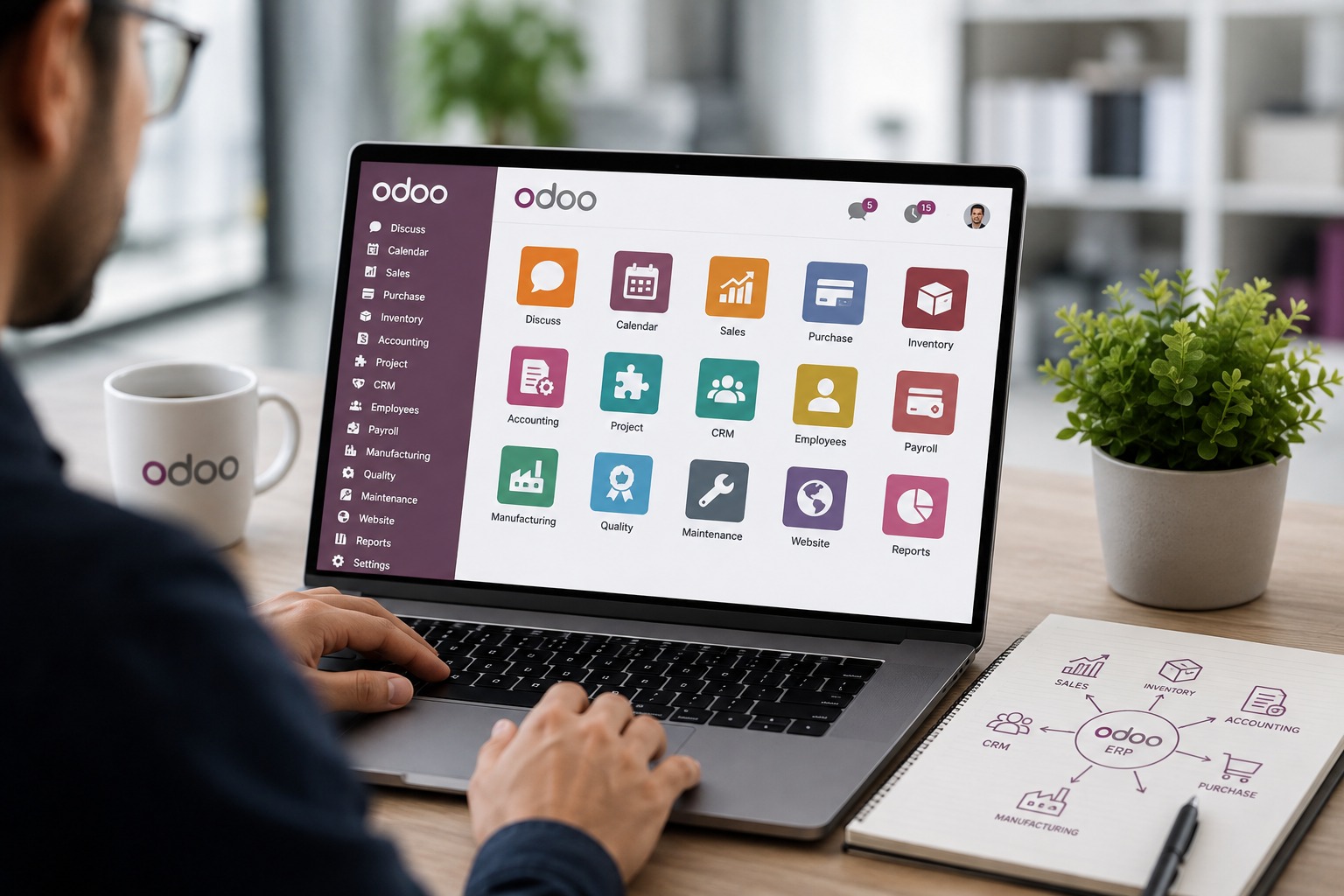
Odoo's advantage in daily use comes down to the same thing that makes it cost-predictable: one shared database across Sales, Purchase, Inventory, Accounting, Project, and CRM. A habit built in one module, like entering a sale the moment it happens, automatically feeds accurate data into every other module without anyone needing to remember to update a second system. The more consistently a team uses it right at the point of transaction, the less reconciliation work anyone has to do later. At AGM Global Services, this is usually the difference we see between clients who treat go-live as day one versus clients who treat it as the finish line.
Final Thoughts
Buying ERP software solves a technology problem. Using it well solves a business problem, and it's the second one that actually shows up on the bottom line. The businesses getting real value aren't usually the ones with the most modules switched on. They're the ones with tight habits around data entry, ownership, and follow-through.
If go-live happened months ago and the team is still keeping a "backup" spreadsheet just in case, that's usually the clearest sign it's time to revisit how the system is being used, not to replace it.
Frequently Asked Questions
1. How long does it take for a team to get comfortable using ERP software?
Most teams find their footing within four to six weeks of consistent daily use, though getting comfortable with core transactions like sales orders or stock entries usually happens faster than getting comfortable with reporting and dashboards.
2. What's the biggest reason businesses stop using their ERP system properly?
Inconsistent data entry is the most common one. Once a few transactions get skipped or entered late, trust in the numbers drops, and teams quietly fall back to spreadsheets to double-check everything.
3. Do all employees need to use the ERP system, or just management?
Value comes from use at the point of transaction, which means the people doing the day-to-day work- sales, warehouse, procurement- need to be in the system too, not just the managers reviewing reports afterwards.
4. How often should an ERP setup be reviewed after go-live?
A quarterly review is a reasonable baseline, checking whether modules, approval chains, and reports still match how the business actually operates, with a deeper look whenever the business changes size or structure.
5. Is it normal to need ongoing support after go-live?
Yes. Ongoing support (AMC) is standard practice, since workflows, compliance requirements, and team structures shift over time, and a system left unattended after go-live tends to drift out of step with the business fairly quickly.
جاهز لرؤية هذا في أعمالك؟
احجز عرضاً توضيحياً مجانياً وسنُريك بالضبط كيف تُشغّله AGM على Odoo.