
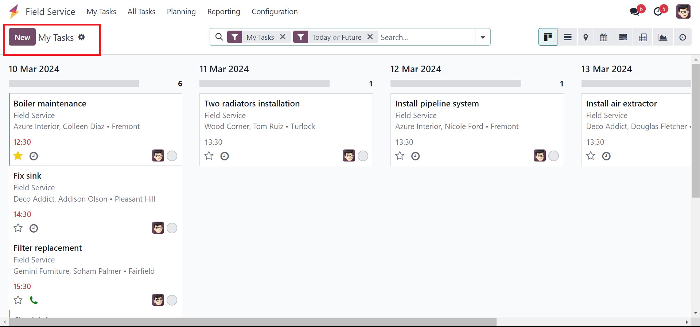
The field service module is used in order to handle services that are done externally outside the company. To create a new task outside the company, click on New button. Here one can add the task titl...
The field service module is used in order to handle services that are done externally outside the
company. To create a new task outside the company, click on New button.
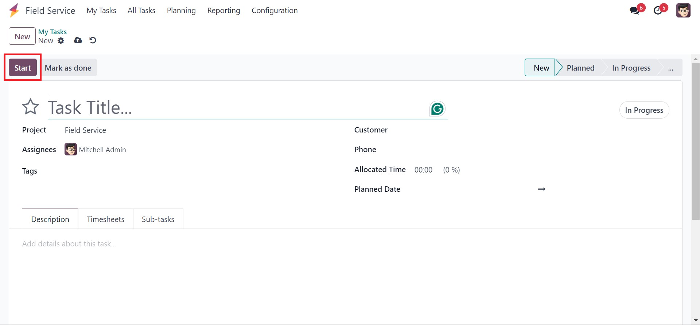
Here one can add the task title and mention the project and assign it to the employees, mention the
customer, their phone number and allocate time and date for this task.
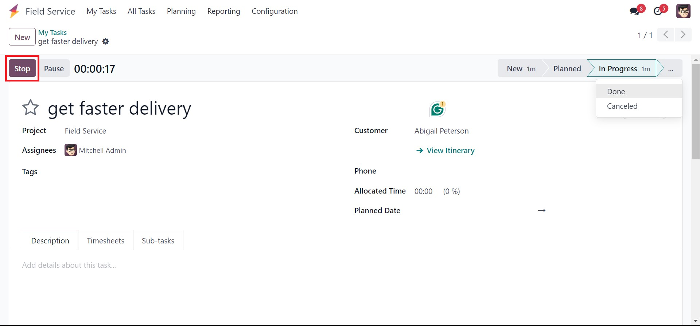
As the task continues. And, when it is in the process of getting done, one can stop the timer.
After stopping the timer, if the task is finished, Mark as done should be selected.
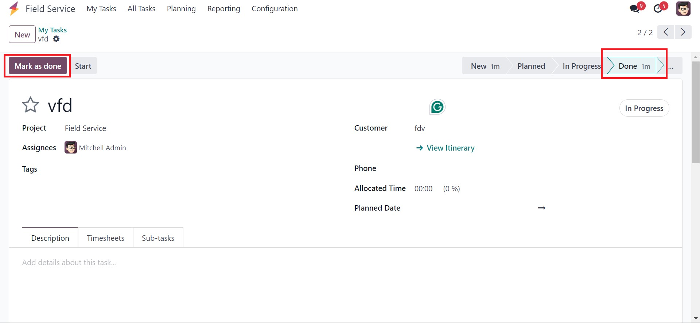
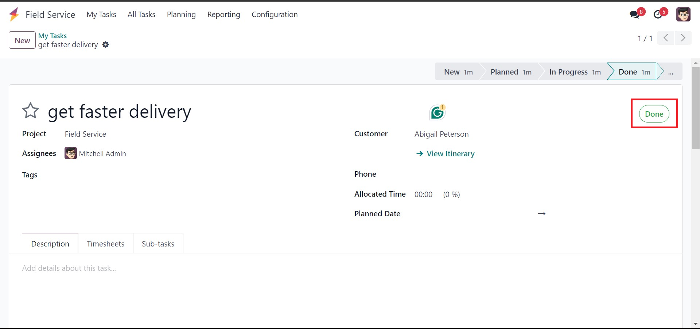
If the process of marking the tasks done is correct, a done SYMBOL will be shown in the field.
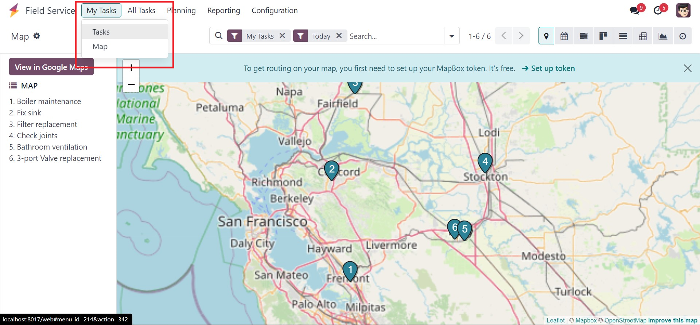
One can view their own task as List view as well as in map view.
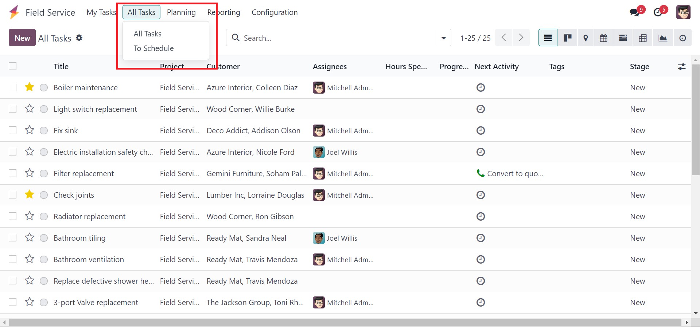
All of the tasks that are prevailing and to be scheduled can be viewed and scheduled.
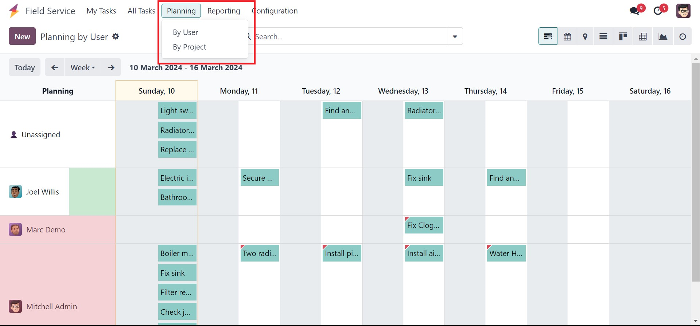
The planned external tasks can be observed by the sorting based on the user and project.
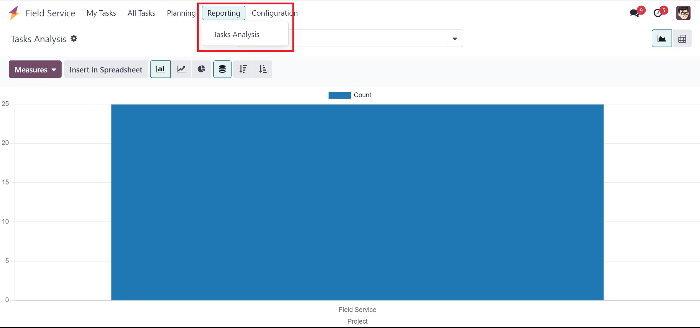
There is also a section for analysing the task, known as Tasks Analysis. And this can also be
transferred to a Spreadsheet.
Start writing here...
جاهز لرؤية هذا في أعمالك؟
احجز عرضاً توضيحياً مجانياً وسنُريك بالضبط كيف تُشغّله AGM على Odoo.